
Alert everyone within minutes.
Bad weather, site closure, IT incident, media crisis: when information cannot wait, you need to reach every employee, wherever they are, and know who actually received the message.
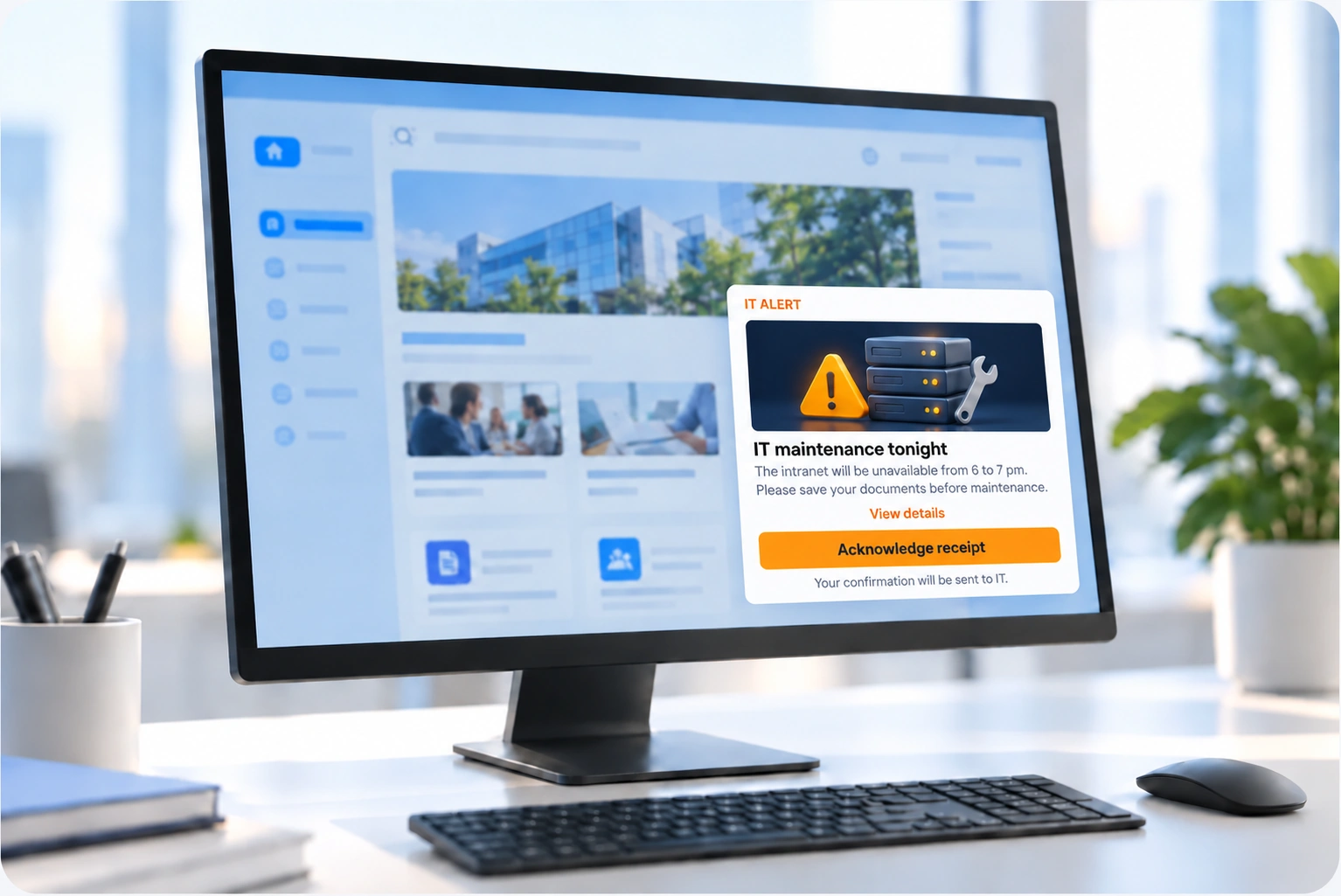
Email, intranet, notification, Windows pop-up and SMS.
The moments when every minute counts.
Site closed or inaccessible
Bad weather, outage, incident: warn teams before they set off.
IT incident
Phishing attempt in progress, outage, ransomware: alert every workstation, even when email is affected.
Sensitive communication
Major announcement, media crisis: inform your employees before they read about it in the press.
An unexpected site closure, hour by hour.
Site management decides to close
A storm makes access dangerous. The 340 employees must be warned before they set off.
The message goes out from a ready-made template
The “site closure” alert is prepared in advance: just complete it and target the site concerned.
The whole site is alerted
SMS and notification for frontline teams, email for supervisors, pop-up when head office computers start.
The manager sees who has not read it
The read receipt shows the 12 people to call directly.
The return to normal is announced
Same targeting, same channels: everyone knows when and how to get back to work.
An effective alert is prepared in advance.
Ready-to-use templates
Site closure, IT incident, crisis: your standard messages are written and approved in advance.
Lists that are always up to date
Synchronisation with your directory ensures joiners and leavers are taken into account, with no file to maintain.
Defined sending rights
You decide who can send an alert, for which scope, and on which channels.
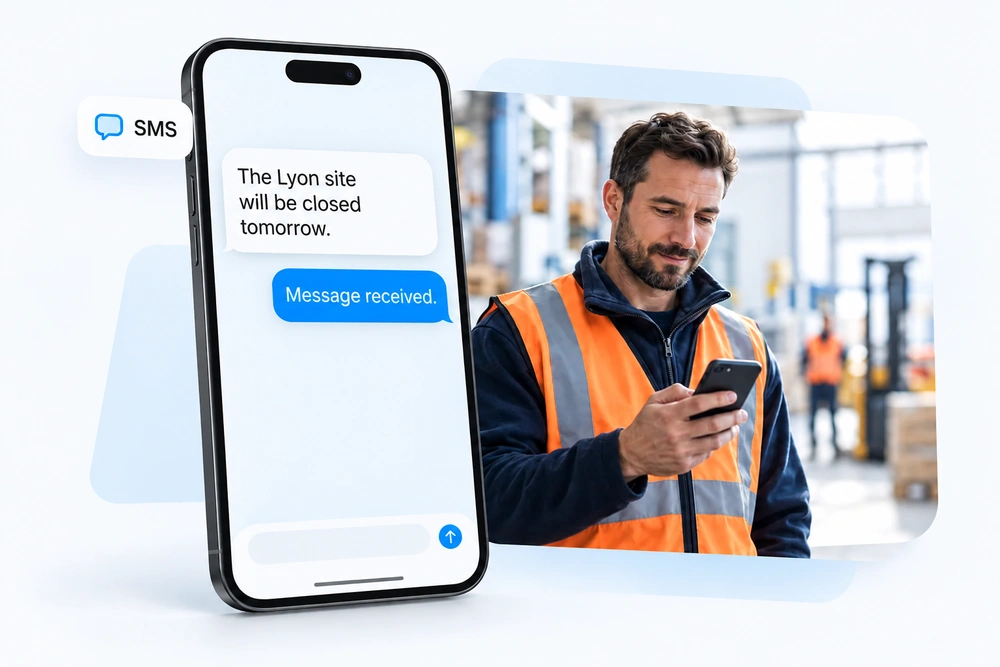
The modules involved.
The Broadcast plan includes the Windows pop-up and read receipts. Add SMS for emergencies.
Questions about alerts.
Does the pop-up work if email is down?
Yes. The pop-up relies on an agent installed on Windows workstations, independent of email. That is precisely what makes it useful during an IT incident.
How do you know who actually received the alert?
Statistics are displayed in real time, by channel and by population. For critical messages, the read receipt shows exactly who has confirmed and who is missing: you can remind these people on another channel, or have their manager call them directly.
Who can trigger an alert?
Only the people you authorise, for their scope and on the channels you allow.
How much do SMS messages cost?
They are billed on usage, in packs, at the rate set out in your quote. You only pay for the SMS messages actually sent.
Can we test an alert without disturbing everyone?
Yes, by first sending it to a test list, for example the crisis unit, to check the content and delivery on each channel.
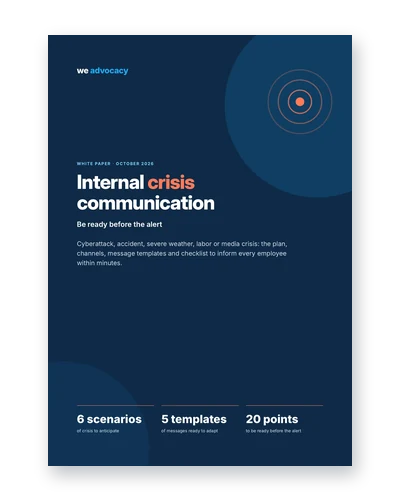
Internal crisis communication: be ready before the alert
Cyberattack, accident, severe weather: the plan, channels and message templates to inform all your employees within minutes.
Download the white paperHow long to alert everyone?
In 30 minutes, we simulate a real alert with you, from head office to frontline teams.