
Schedule it once. Support them over time.
A new starter, a launch, an awareness campaign: chain messages, content, quizzes and surveys over several weeks. The platform runs the journey at the right pace, for every employee.
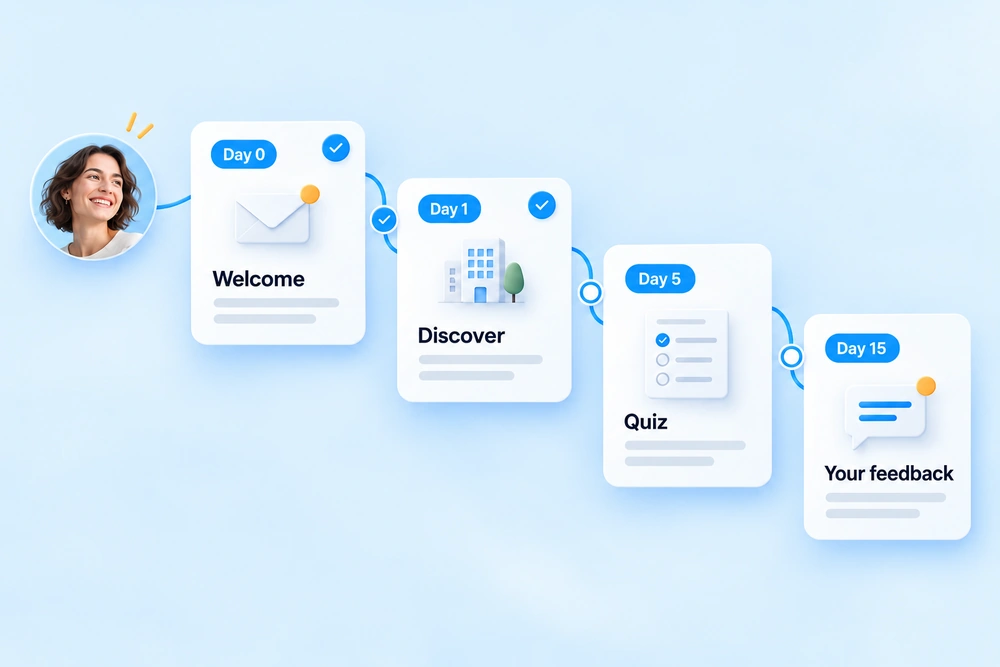
Each step arrives at the right time, with no manual reminders.
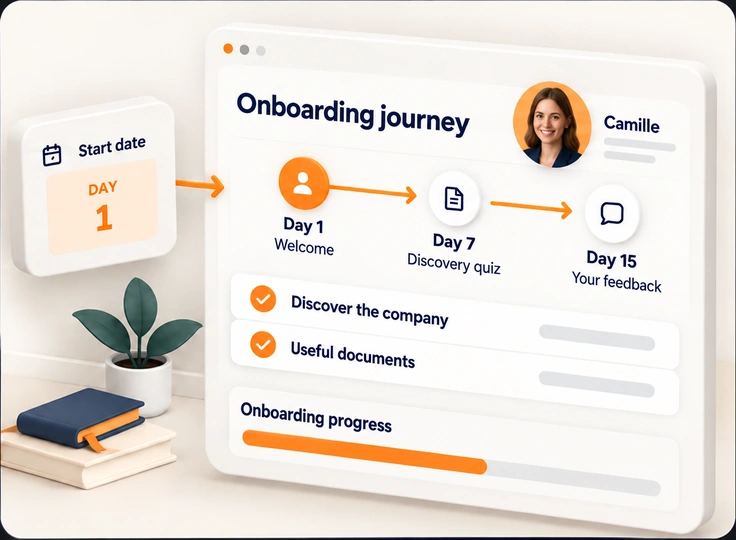
The start date triggers everything.
The arrival is detected
The new employee appears in your directory or HRIS: their onboarding journey starts automatically.
The journey unfolds
A welcome message on day one, discovering the company, useful documents, a quiz after one week, feedback after fifteen days.
You track each onboarding
You see where each new starter is, and who has not yet read the essential information.
And for all your key moments: campaigns.
A campaign chains several actions around a single topic, for a whole population, on a date you choose.
Project launch
Announcement, explanations, FAQ, buy-in survey: support the change rather than announcing it once.
Cybersecurity awareness
An educational message, a reminder in the newsletter, then a quiz to measure progress.
Key HR moments
Annual review campaign, health insurance, engagement survey: each step arrives at the right time, with its reminders.
Every format, every channel, at the right pace.
Scheduled steps
Define the sequence and the time between each step: days, weeks, fixed dates.
All content
Messages, articles, documents, quizzes, surveys and forms in a single journey.
All channels
Email, intranet, mobile app, pop-up or SMS, depending on the step and the audience.
Journeys by population
One journey for head office teams, another for the frontline or for each job.
Individual tracking
Each employee's progress through their journey, step by step.
Campaign report
Consolidated statistics for the whole campaign, not just message by message.
Questions about journeys.
Is the manager informed of progress?
Yes. The manager is informed of their new starter's progress through the journey. HR and communication teams also have tracking of every onboarding in the platform.
Where does new starters' start date come from?
From your directory or HRIS, synchronised with the platform. As soon as an employee appears there, their journey starts, with no manual input.
Can the journey be adapted by job or site?
Yes. You can create a journey per population (head office, frontline, job, site), based on your directory attributes.
Can we change a journey that has already started?
Yes. Changes apply to the steps that have not yet been sent.
Preparing your next hires?
Let's talk about your onboarding journeys and the key moments of your year: we show you how to set them up with your teams.